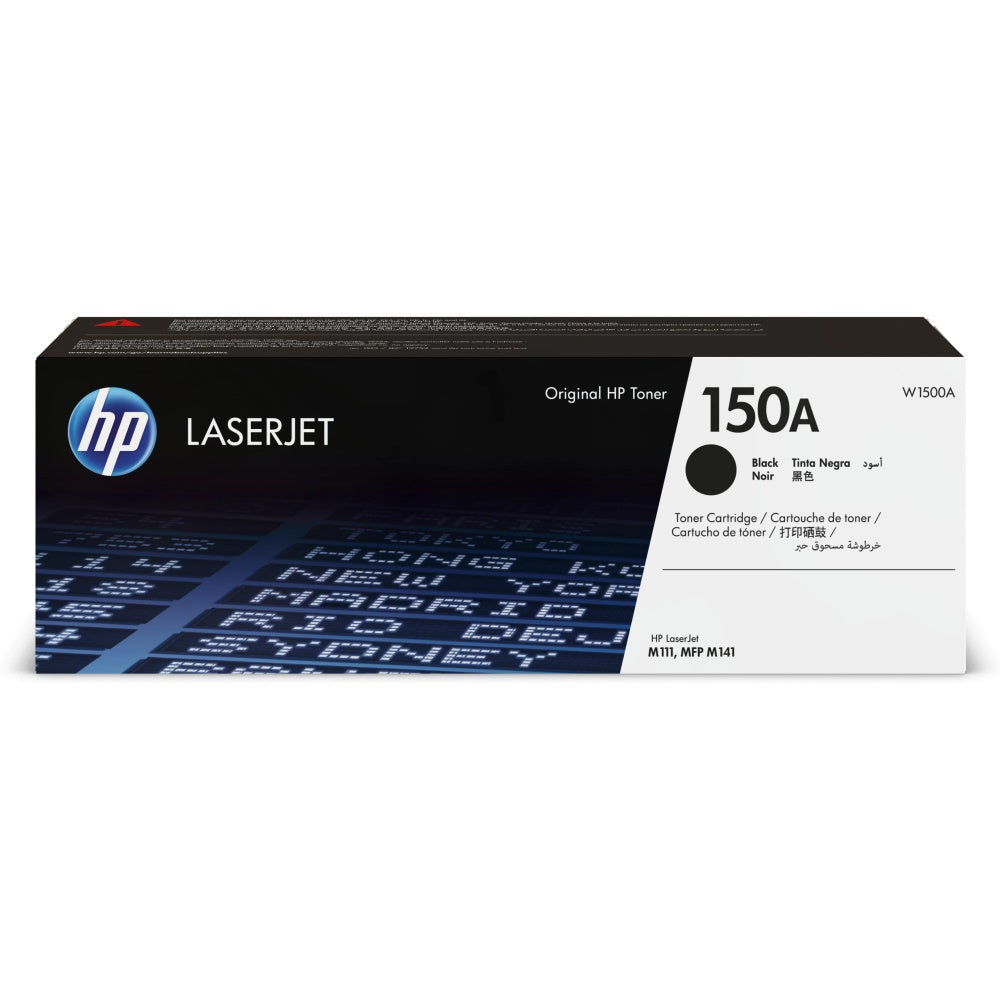
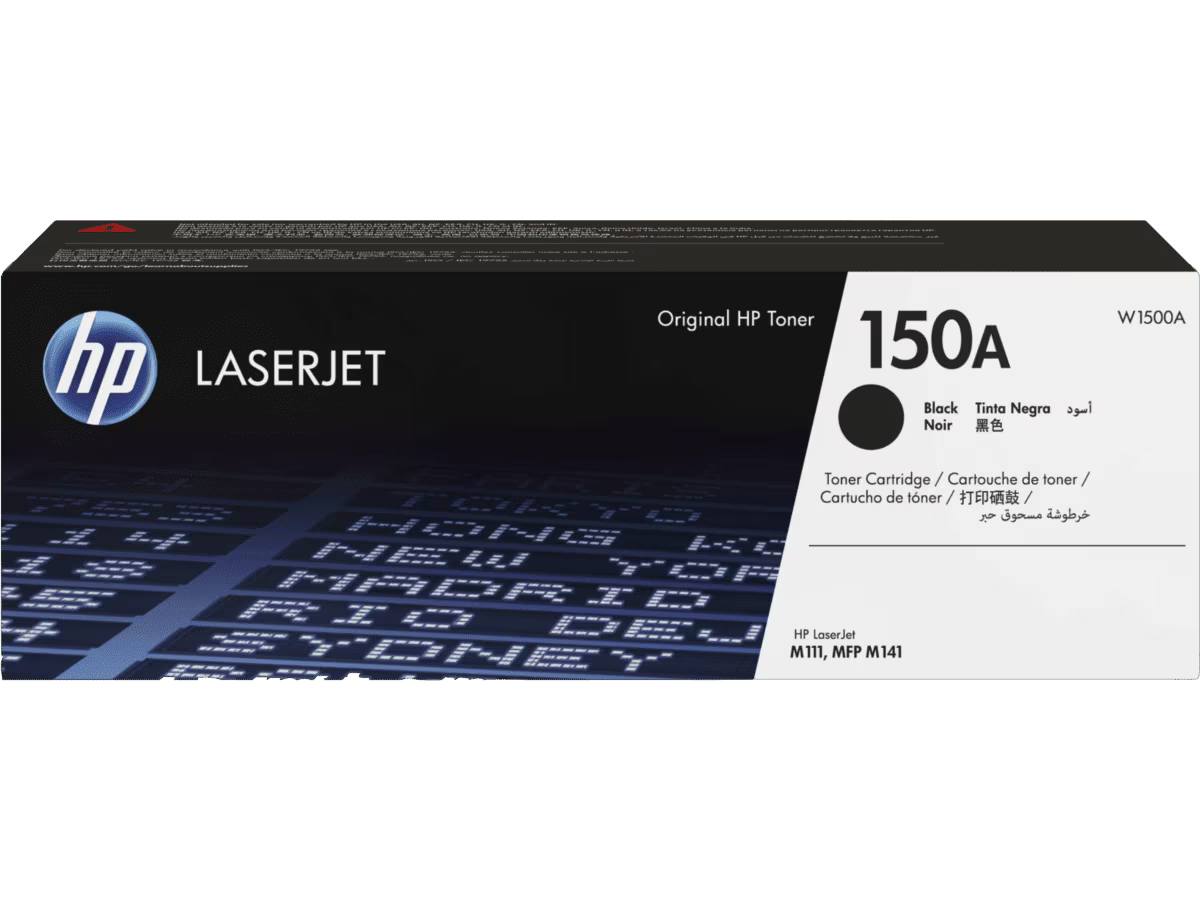
HP 150A Genuine Toner Cartridge W1500A for HP LaserJet M111a M111w MFP M141a M141w — 975 Pages
HP 150A Genuine Toner Cartridge W1500A for HP LaserJet M111a M111w MFP M141a M141w — 975 Pages
Free Delivery on This Item!
28 in stock
Couldn't load pickup availability
HP 150A Genuine Toner Cartridge (W1500A)
Print with confidence using the...
Product Description
Product Description
HP 150A Genuine Toner Cartridge (W1500A)
Print with confidence using the genuine HP 150A (W1500A) Black Toner Cartridge — the only toner guaranteed to work reliably with HP LaserJet M111 and MFP M141 series printers. Engineered by HP for consistent, sharp black-and-white output in home offices and small businesses across the UAE and GCC.
Compatible Printers
- HP LaserJet M111a
- HP LaserJet M111w
- HP LaserJet MFP M141a
- HP LaserJet MFP M141w
Key Specifications
- Part Number: W1500A (HP 150A)
- Page Yield: Up to 975 pages at 5% coverage on A4
- Colour: Black
- Print Technology: Laser
- Type: Genuine HP (Original)
- Dynamic Security: HP chip — firmware-compatible
Why Buy Genuine HP 150A?
- Only genuine HP toner is guaranteed to work after HP firmware updates on M111/M141 printers
- Consistent, sharp black text and graphics on every page
- Protects your printer and maintains HP warranty compliance
- Same-day delivery in Dubai — fast shipping across all UAE emirates and GCC
- Available at Skyrock branches in Bur Dubai and Ajman
Frequently Asked Questions
Why do compatible 150A cartridges not work on the HP M111 and M141?
The HP 150A uses a dynamic security chip unique to each cartridge. HP periodically pushes firmware updates to the M111 and M141 printers that block non-HP chips from being recognised. This means many compatible or refilled 150A cartridges stop working after a firmware update — even if they worked before. For this reason, Skyrock supplies only the original HP 150A (W1500A) for this model range.
Is there a high-yield version of the HP 150A?
Yes. The HP 150X (W1500X) is the high-yield version, rated at approximately 2,500 pages — more than double the standard 150A yield. If your office prints frequently, the 150X offers a lower cost-per-page despite the higher upfront price. Ask us about availability.
Do the M141a and M141w use the same toner?
Yes. Both models use the same W1500A cartridge. The only difference is connectivity — M141a is USB only, M141w is WiFi-enabled.
Can I refill the HP 150A cartridge?
Refilling is not recommended. The dynamic security chip is tied to the original cartridge's usage data. Once depleted, refilling without replacing the chip will result in a cartridge error after the next firmware update. A fresh original cartridge is the safest option.
The printer shows "cartridge depleted" after installing a new 150A — what should I do?
Remove and re-seat the cartridge firmly. If the error persists, check for a recent firmware update — HP firmware on M111/M141 has been known to reject certain chip batches. If purchased from Skyrock, contact us via WhatsApp for a replacement or troubleshooting assistance.
Is same-day delivery available in Dubai?
Yes. Orders placed before 2 PM qualify for same-day delivery within Dubai. Next-day delivery covers Sharjah, Ajman, Abu Dhabi, and all other Emirates. In-store collection is available at our Bur Dubai and Ajman branches.
Share